Getting Started in World War Sandbox
Join the Roblox place, pick an era, steer nations, and learn the sandbox loop in your first hour.
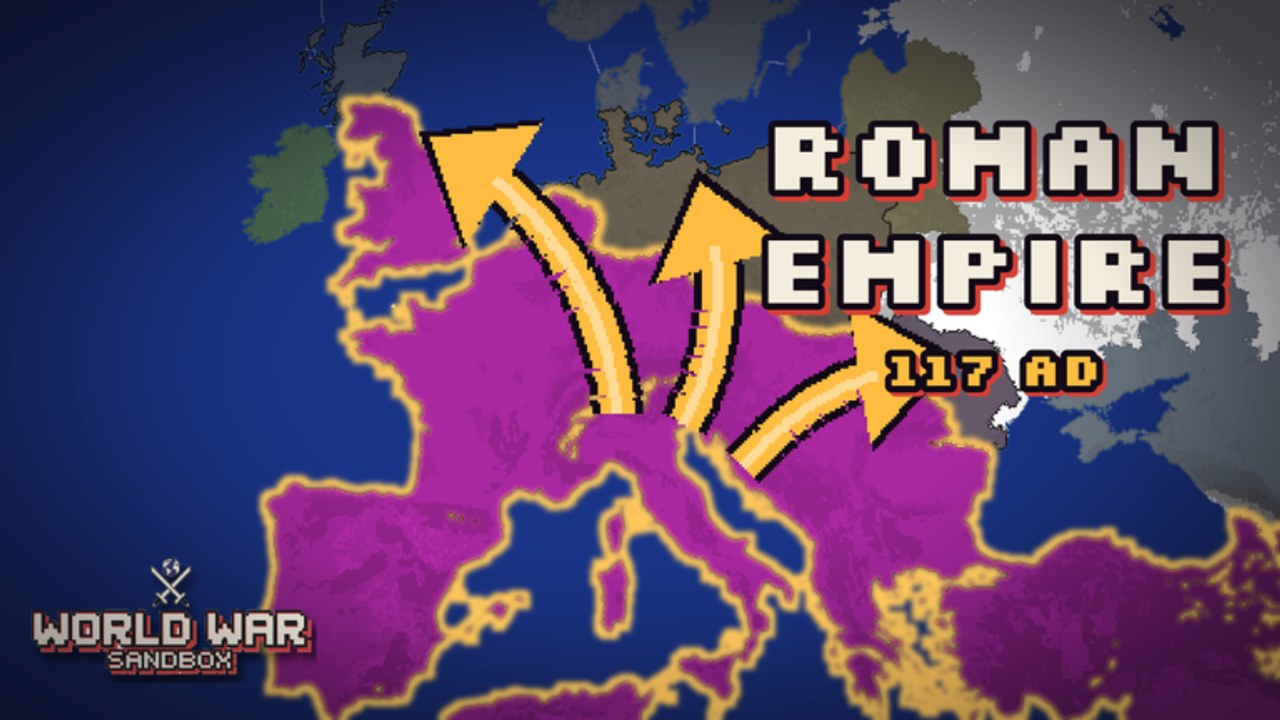
World War Sandbox is a free-to-play Roblox simulation sandbox by Nwtaken X Gamboss. You watch more than two hundred nations grow, ally, fight, and collapse — or take control and steer them yourself. The pixel-art presentation is inspired by Ages of Conflict-style strategy sandboxes: eras stretch from the Roman Empire to the Cold War, god powers reshape continents, and flag troops march along living front lines.
This getting-started guide is your day-one checklist. Pair it with Controls for the UI, God Powers when you are ready to intervene, and the Guides Hub for the full map of tutorials.
Join the experience
- Open the official Roblox place: World War Sandbox (universe ID 10773086391, place 99365721394806).
- Favorite the experience and optionally join the Nwtaken X Gamboss creator group so update posts are easier to find.
- Enter a public server (size 12) or prepare to host later — see Hosting Worlds when friends want a private theater of war.
The game released 2026-10-26. Expect ongoing map, power, and Battlepass updates rather than a finished single-campaign story.
Your first five minutes
After loading, orient yourself on the world map. Nations are already simmering: borders shift, alliances form, and wars spark without your input. Your job as a new player is not to win a ranked match — it is to understand three roles you can switch between freely:
- Spectator-god — Watch the simulation, zoom the camera, and enjoy emergent history.
- Interventionist — Select god powers (nukes, meteors, floods, volcanoes, revolts, and more) to reshape wars.
- Commander — Take a more direct hand by commanding flag troops on contested fronts.
Spend a quiet minute doing nothing. Notice which nations snowball and which collapse. That baseline makes every later power drop feel meaningful instead of random noise.
Pick an era and learn the vibe
Eras change starting technology, borders, and the “feel” of conflict. A Roman Empire start plays differently from a Cold War map full of modern alliances and catastrophic weapons. You do not need to memorize every nation on day one. Instead:
- Choose an era that matches the story you want (ancient conquest vs. industrial total war vs. nuclear brinkmanship).
- Identify a few major powers and watch how AI diplomacy unfolds.
- Intervene lightly at first — a revolt or flood teaches cause and effect better than an instant nuke spam.
When you want a custom theater instead of a preset era map, graduate to the Map Editor and paint your own landmasses and borders.
Progression: levels, coins, unlocks, Battlepass
World War Sandbox rewards time spent in the sandbox. Level up, earn coins, and unlock new maps, powers, and Battlepass rewards. Practical tips for new accounts:
- Treat early unlocks as tools for storytelling, not just “stronger” buttons. A new map can be more valuable than another disaster if you host friends.
- Check Codes when promo rewards are active so you do not miss free coins or cosmetics.
- Skim Updates after patches — free god powers from the Abilities Update changed how aggressive new players can be without grinding forever.
You can enjoy the core loop without spending Robux. Optional purchases and Battlepass tracks accelerate unlocks; they are not required to watch wars or experiment with powers.
First-hour goals (checklist)
Use this checklist so your first session ends with real skills instead of aimless clicking:
- Successfully zoom, pan, and select a nation (details in Controls).
- Trigger at least two different god powers and observe secondary effects (refugees, new wars, collapsed fronts).
- Command flag troops once on an active border so you feel the difference between AI autopilot and player orders.
- Note which maps or powers you want to unlock next with coins.
- Decide whether your next session is solo experimentation, map painting, or a hosted world for friends.
Common beginner mistakes
- Spamming the biggest disaster immediately. It is fun once; it teaches little. Alternate observation and intervention.
- Ignoring diplomacy context. Nuking a minor border skirmish can create a vacuum that a neighbor fills overnight.
- Hosting before you know the UI. Invite friends after you can aim powers and explain the camera — see Hosting Worlds.
- Skipping the editor forever. Custom maps are half the long-term appeal; even a rough island chain is a great second-session project.
What to read next
- Controls — selection, camera, and power UI habits.
- Eras — Roman Empire through Cold War starts and hosting vibes.
- Commanding Armies — flag troops on living fronts.
- God Powers — nukes, meteors, floods, volcanoes, revolts, and free abilities.
- Map Editor — paint private maps you can reuse.
- Hosting Worlds — share sessions and spectate together.
- Spectating Guide if you mostly watch with friends.
- Tier List and Players when you care about community meta or notable creators.
Return to the Guides Hub whenever you need the full index. World War Sandbox rewards curiosity: the best “build” is the story you and your friends remember after a night of collapsing empires.
Frequently Asked Questions
Quick answers about powers, hosting, codes, and progression.
Is World War Sandbox free on Roblox?
Yes. It is free-to-play. Coins, levels, maps, powers, and Battlepass unlocks add depth, but you can watch nations fight and use core sandbox tools without paying.
What should I do in my first session?
Watch the AI for a minute, learn camera and nation select, try two god powers, command flag troops once, then decide whether your next goal is powers, map editing, or hosting.
Which era is best for beginners?
Pick any era whose story interests you. Earlier eras can feel slower and clearer; Cold War maps escalate faster with modern weapons. Restarting with a new era is cheap and educational.
Where do I find codes and update notes?
Use the Codes page for active promo rewards and the Updates page for patch highlights. Always confirm against the live Roblox place when something may have changed.
Can friends join my world?
Yes. Host a world so friends can join and watch, and share creations with the community. Read the Hosting Worlds guide before your first multiplayer session.